Business Wi-Fi that covers the whole building
Ceiling-mounted UniFi access points planned room by room, with staff, guest and device traffic kept apart — for offices, shops, warehouses and outdoor yards.
One router in a closet was never going to reach the back of the building
Dead zones, calls that drop on the way to the warehouse, scanners that lose connection between aisles, and a guest password that has been on a sticky note for years. Business Wi-Fi fixes that with several access points that hand devices off as people move — each one cabled back to the switch and managed from one place.
- Access points placed from a walk-through of your building
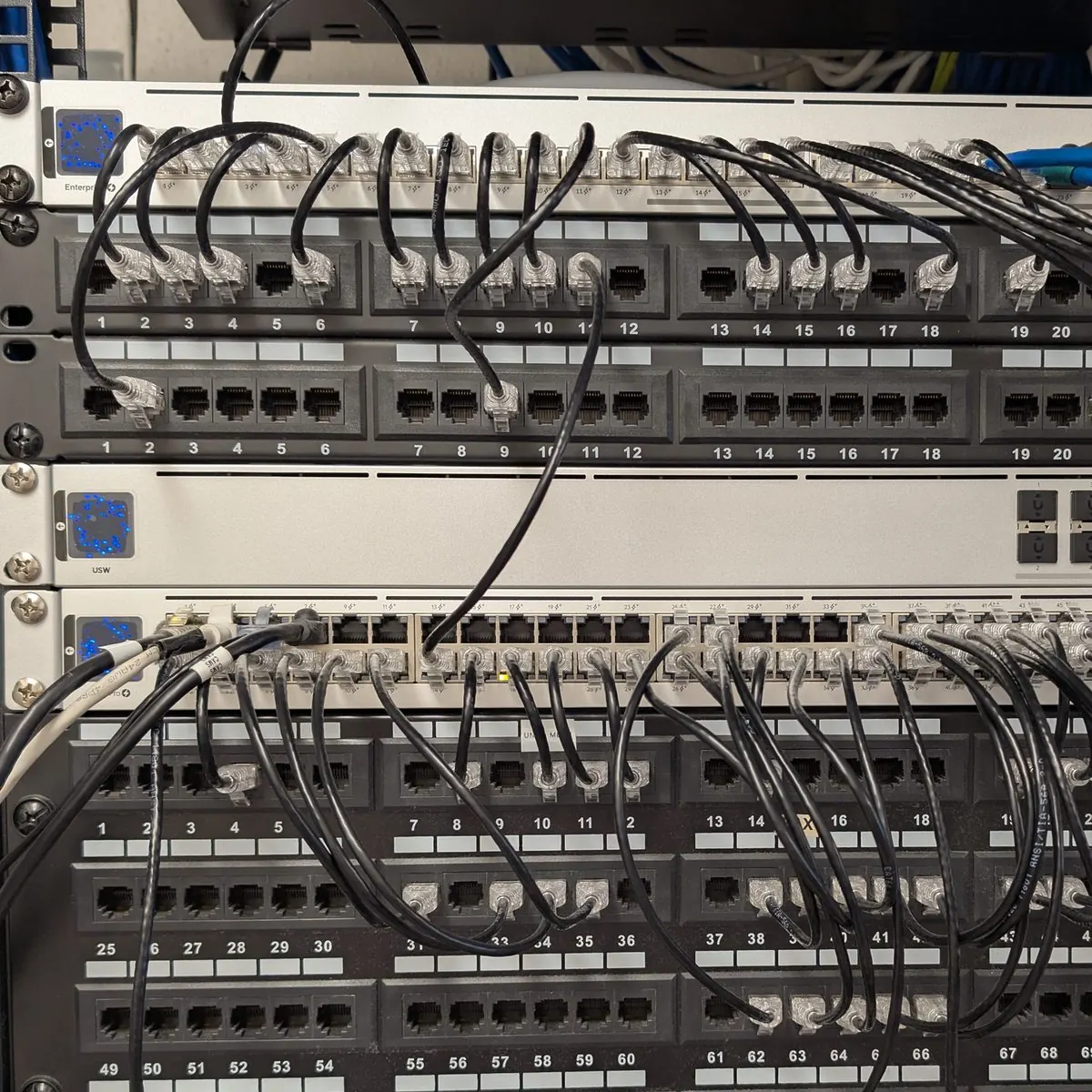
- Cabled back to PoE switches — no mesh where cable can run
- Separate networks for staff, guests, phones and devices
- Guest Wi-Fi that cannot see your PCs, printers or cameras
- Smooth roaming for scanners and Wi-Fi calling
- Outdoor access points and building-to-building links
Three mistakes we fix most often
Planned for coverage, not capacity
Full bars and nothing loads. Thirty phones on one access point is a capacity problem, not a signal problem — we plan for both.
Everything on one network
Guests, cameras and the bookkeeping PC sharing one flat network is a security problem waiting for a bad day. VLANs keep them apart.
Mesh where cable belongs
Wireless mesh is a fix for places cable cannot reach. Used everywhere, it cuts throughput and adds a failure point per hop.
Offices, warehouses and yards
Offices & retail
Even coverage from the front desk to the back office, with a guest network customers can use without touching yours.
Warehouses & shops
High ceilings, metal racking and forklifts. Access points placed for aisles and scanners, not just floor area.
Yards & outdoor areas
Outdoor-rated access points for lots and yards, and wireless links to gates, guard shacks and detached buildings.
From dead zones to full coverage
Walk the building
We note walls, ceilings, racking and where devices actually are, and test the internet circuit.
Place the access points
A layout with every access point and cable run, and the reasoning, on the quote.
Cable and mount
Each access point gets its own run back to a PoE switch, mounted clean on the ceiling.
Tune and verify
Channels and power set for your building, then we walk it with a device to confirm coverage and roaming.
Common questions
How many access points do we need?
It depends on walls, ceiling height, what is on the racks and how many devices connect at once — not just square footage. A small office might need two; a warehouse with metal racking might need one every aisle or two. We count them during the site walk, and the quote shows the reasoning.
Can you keep guests off our business network?
Yes. Guest Wi-Fi gets its own network that reaches the internet and nothing else — not your PCs, printers, cameras or phones. It can have a simple splash page or voucher codes if you want them.
Do you do outdoor Wi-Fi for yards and parking lots?
Yes. Outdoor-rated access points cover yards and lots, and point-to-point wireless links can carry the network to a gate, guard shack or second building where trenching for cable is not practical.
Will Wi-Fi 7 make a difference for us?
Only if your devices support it and the switching behind it keeps up. We will recommend the generation that fits the devices you actually have, and we will not sell you speed your laptops and scanners cannot use.
Is Wi-Fi good enough for our desk phones?
We still cable desk phones wherever we can — a wire beats any wireless link. Wi-Fi calling on cell phones and softphone apps works well on a properly designed network, and we set it up with that in mind.
Find out why the Wi-Fi drops
We will walk the building, test the circuit and show you where the gaps are — free, with a straight quote to fix them.