UniFi installation and integration in Orange County
Network, Wi-Fi, cameras, door access and gates on one Ubiquiti UniFi platform — designed around your building, installed by us, and run from a single app you can open on your phone.
One platform instead of four vendors
Most buildings we walk into have an ISP router nobody can log into, a camera recorder from one installer, a keypad from a locksmith and Wi-Fi that stops at the break room. UniFi replaces that patchwork with one system: the same console runs the network, records the cameras and controls the doors, and you see all of it in one app.
- No per-camera or per-door subscription fees
- Footage and door logs stay on hardware you own, on site
- Network, cameras and doors in one app on your phone
- VLANs, PoE and VPN at small-business prices
- Remote management, so most changes need no truck roll
- Grows from one office to several locations
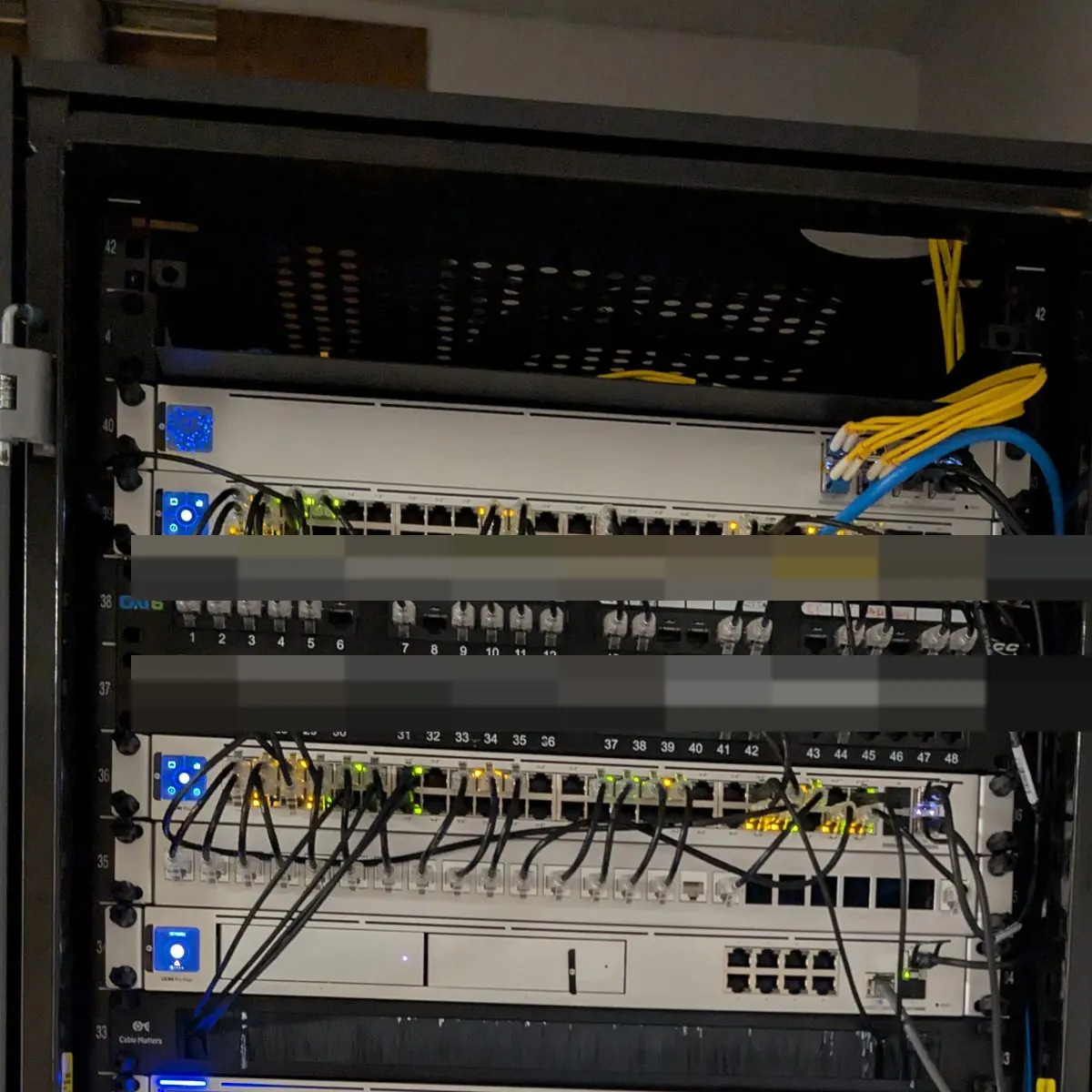
Everything rides on the network, so we build the network first
Phones, cameras, access points and door readers are all network devices. They draw power from the same PoE switches and report to the same console. Get that foundation right — enough switch ports, enough PoE budget, traffic separated into its own VLANs — and everything on top of it just works.
That is also why one installer should design all of it. The camera count changes the switch. The door count changes the hub. The phone count changes the PoE budget.
The UniFi pieces, and the phones that run on them
Buy one piece or all of it. Either way it is designed to work with the rest.
UniFi Network
Gateways, managed PoE switches, racks and the structured cabling underneath.
Network & cablingBusiness Wi-Fi
Ceiling access points planned room by room, with guests kept off your business network.
Business Wi-FiUniFi Protect cameras
Interior domes and exterior PTZs, recorded on site with no per-camera fee.
Security camerasUniFi Access doors & gates
Readers, electric strikes, maglocks and gate operators on schedules you control.
Access controlVoIP phones
Cloud phone system on the same network, with its own VLAN so calls stay clear.
Phone systemsOngoing management
Monitoring, firmware updates, backups and same-day changes after the install.
Managed supportFrom walk-through to handover
Site walk
We walk the building with you: closet, ceiling, doors, camera angles, and where Wi-Fi dies today.
Design & fixed quote
Drop map, switch and PoE sizing, camera views and door hardware — one number, assumptions written down.
Install & cutover
Cabling, rack, mounting and programming, with the cutover scheduled around your hours.
Handover & support
We set up the app for you, hand over the documentation, and stay on call for changes.
Installed around Orange County
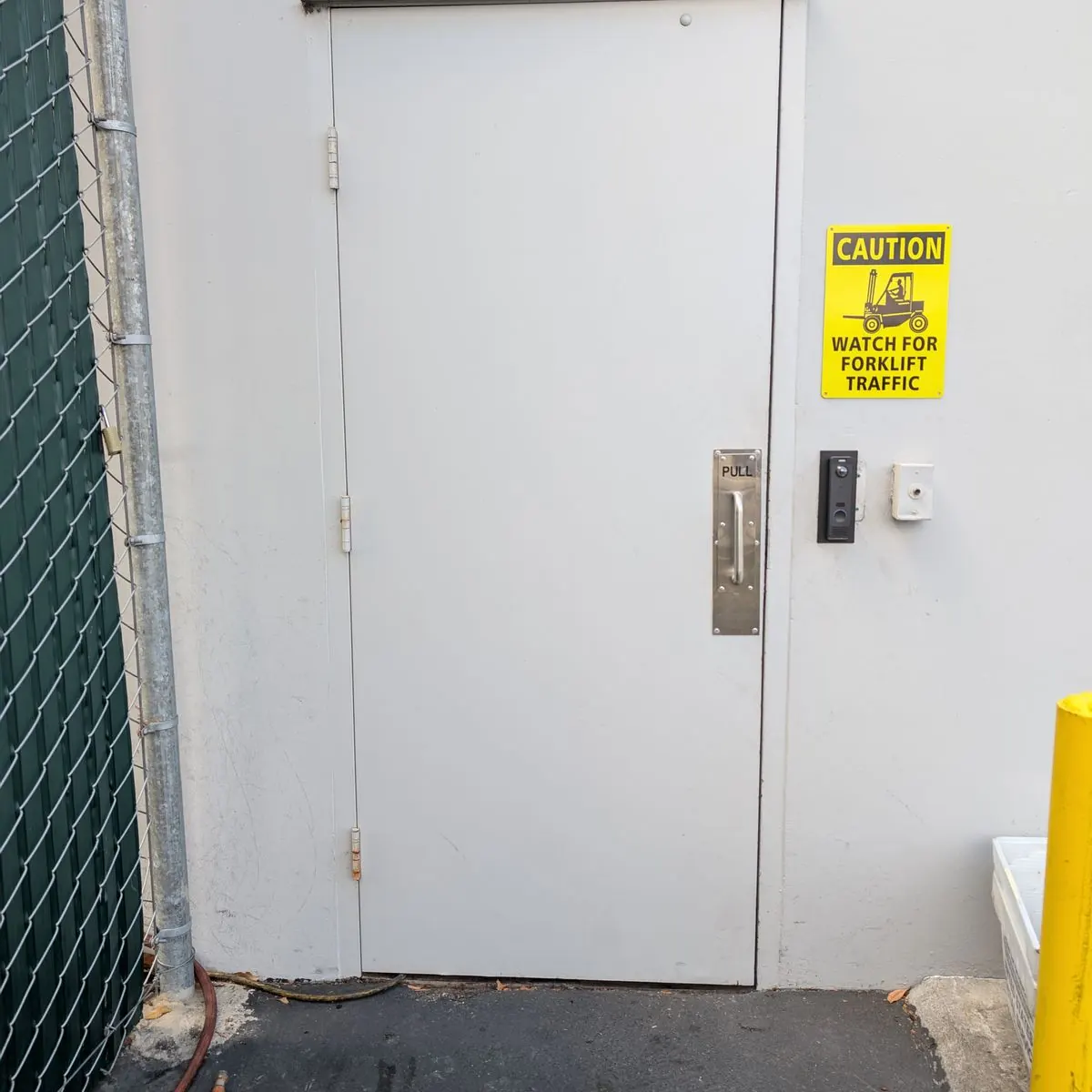
June 2026
Warehouse doors on access control
Readers and electric strikes on warehouse doors, each on its own schedule.
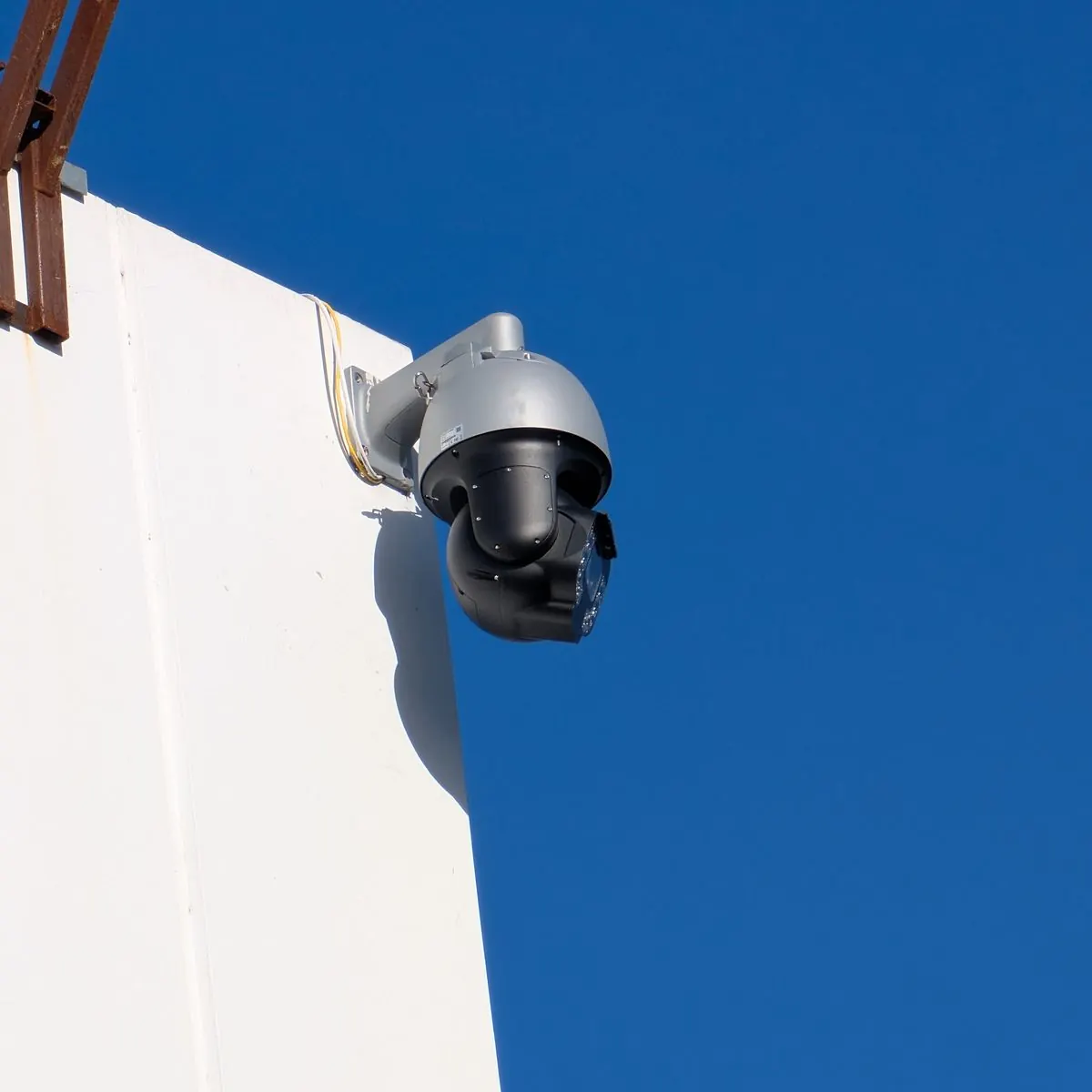
March 2026
Exterior PTZ cameras
Pan-tilt-zoom cameras on the roofline, covering the lot and entrances.
August 2026
Network cabinet build
Managed switching and patch panels in a floor-standing cabinet, patched and dressed.
Common questions
Is UniFi really business-grade, or is it prosumer gear?
For small and mid-sized businesses it is an excellent fit. UniFi does what a business network needs — VLANs, managed PoE switching, VPN, multiple sites — from one console. The bigger factor is design and installation: the same hardware performs very differently depending on how it is planned, cabled and configured.
Are there monthly license fees with UniFi?
UniFi Network, Protect and Access do not charge per-camera or per-door subscription fees — you buy the hardware and the software comes with it. A few optional extras, such as cloud video archiving, cost extra. If anything in your quote carries a recurring cost, it is written on the quote.
Can you take over a UniFi system someone else installed?
Yes. We start with an audit — firmware, VLANs, Wi-Fi settings, camera retention and door schedules — fix anything risky and document what is there. You do not need to replace working hardware to move support to us.
Can UniFi use the cameras we already have?
Sometimes. Recent versions of UniFi Protect can adopt many third-party ONVIF cameras, with some features limited. We check your camera models during the site survey and tell you which ones are worth keeping.
What happens if the internet goes down?
Cameras keep recording and doors keep working, because recording and door decisions happen on the console in your building. You lose remote viewing until the connection is back — which is why sites that cannot be offline get a second internet connection with automatic failover.
Get a UniFi plan for your building
One walk-through covers the network, Wi-Fi, cameras and doors. You get one quote for the whole system — free, with no obligation.